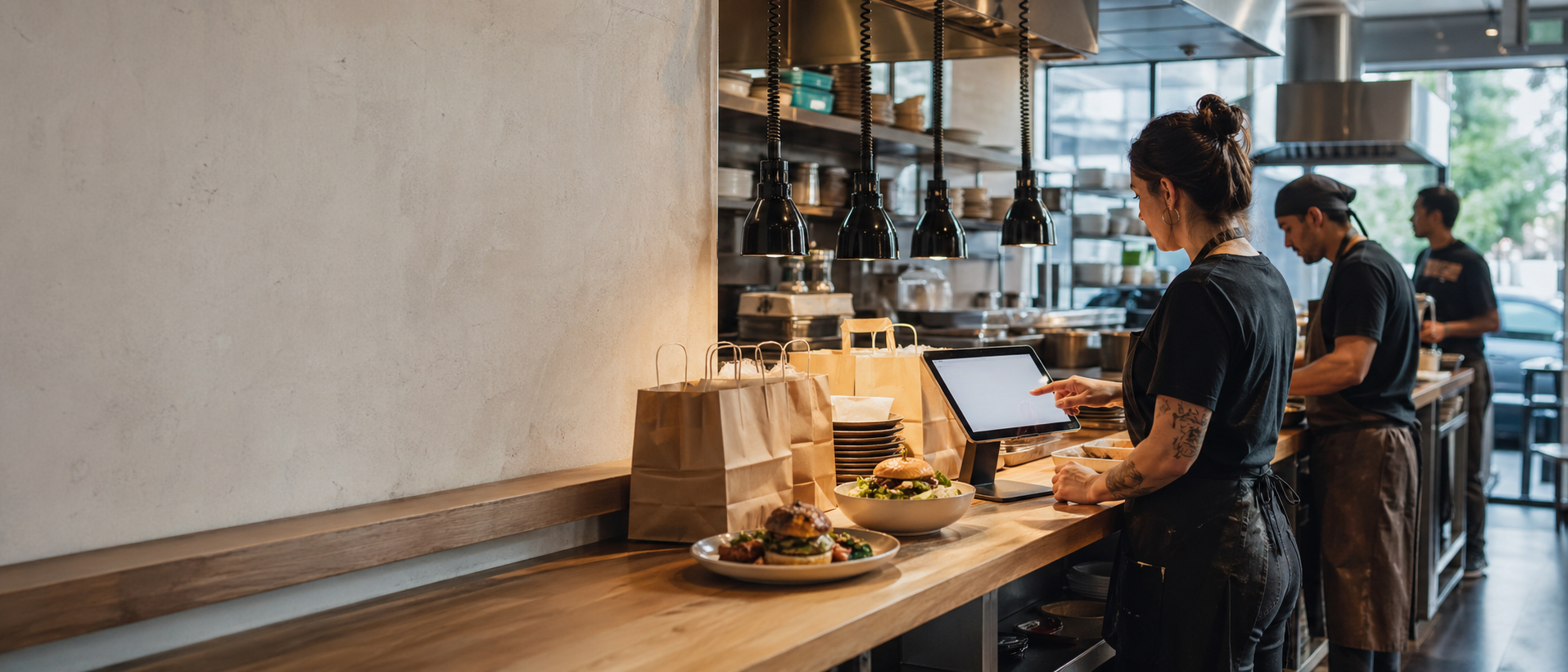
Create the restaurant branch
Add the address, contact details, currency, customer-facing information, and the branch details customers need before they place an order.
Savorria gives your restaurant a branded online ordering page, practical pickup and delivery rules, and a clear dashboard for managing every direct order your customers place.
Savorria separates setup into simple operating decisions: restaurant details, menu structure, service rules, and the channels where customers will order.
Add the address, contact details, currency, customer-facing information, and the branch details customers need before they place an order.
Create categories, items, prices, descriptions, photos, and availability rules from the dashboard without developer work.
Set service hours, order timing, delivery zones, delivery fees, minimums, and other rules that match your kitchen.
Add your ordering button to your website, social profiles, Google profile, QR codes, campaigns, and customer messages.
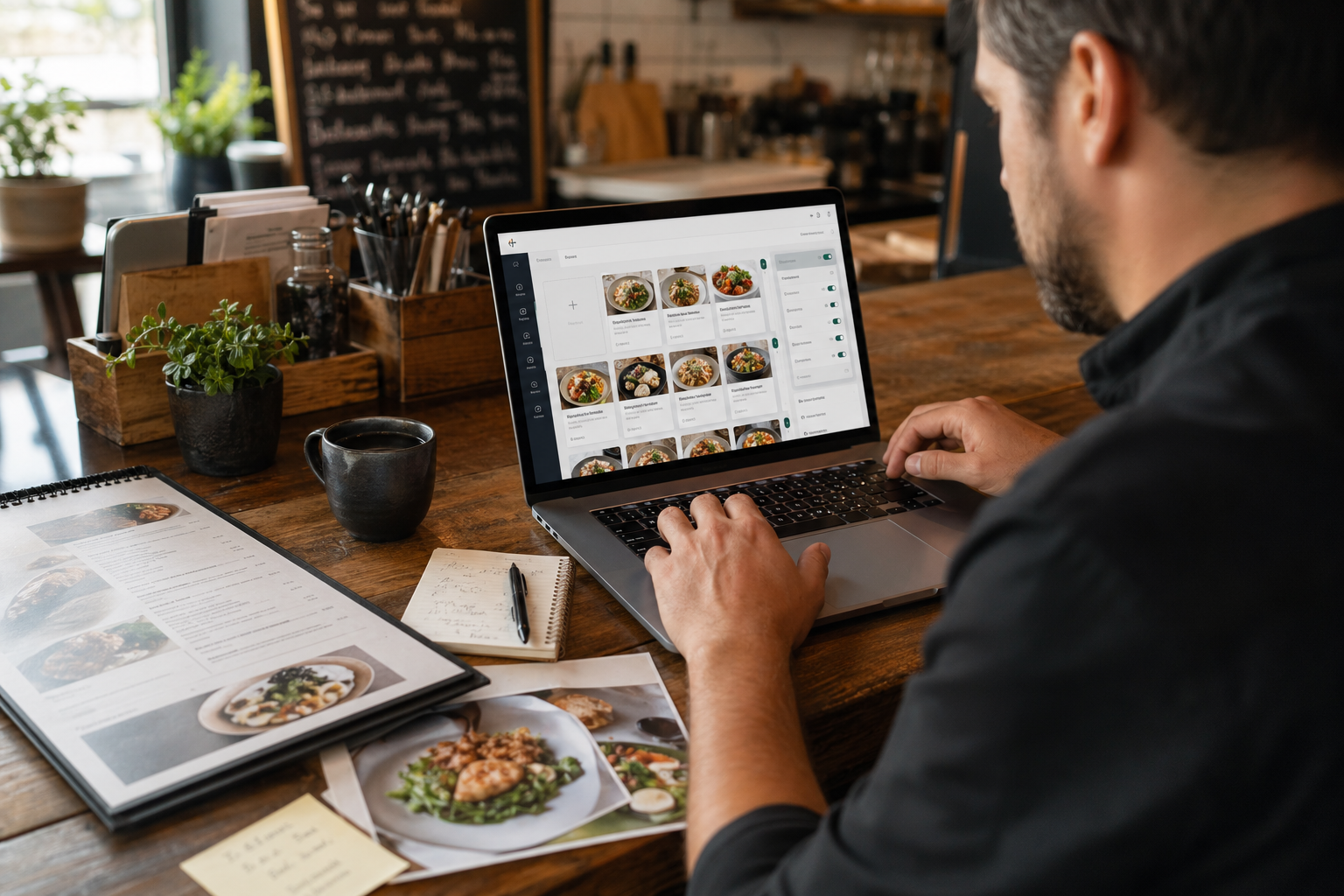
The menu editor is where your team keeps the customer-facing order experience accurate. When something changes during service, you can update it before another customer orders it.
Savorria does not ask restaurants to rebuild their whole online presence. It gives every existing customer touchpoint a clean place to send the order.
The link can live on your website, Instagram bio, Facebook page, Google profile, printed QR code, or a direct customer message.
Customers browse your branded ordering page, select pickup or delivery where available, and see the details you control.
The order is submitted through your direct ordering flow, with customer and order details sent to the restaurant workflow.
Staff can review incoming orders from the dashboard or mobile-friendly order workflow and prepare them for pickup or delivery.
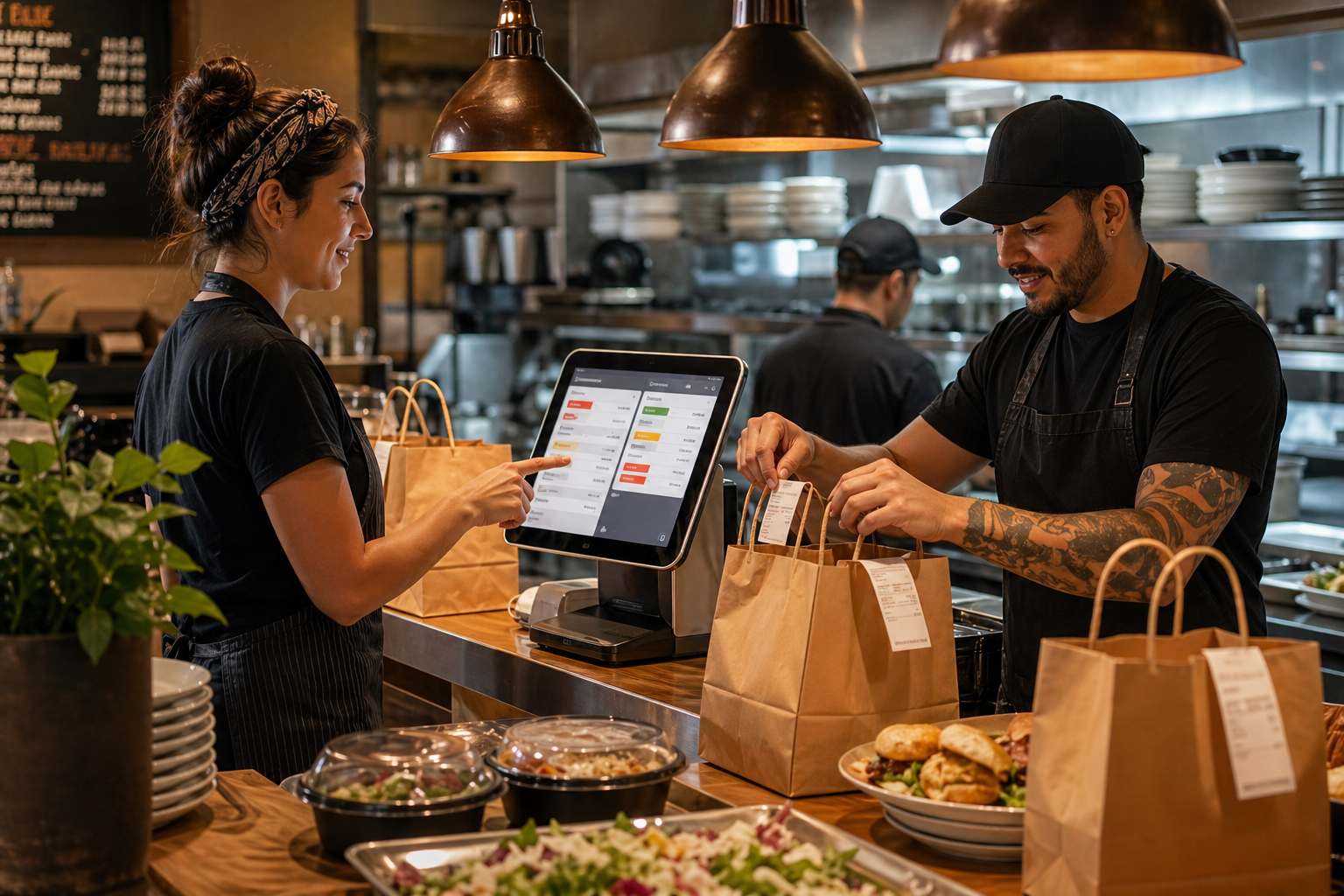
Online ordering only works if the back-of-house workflow stays clear. Savorria gives restaurant teams the everyday controls they need without special hardware.
Set service hours, preparation expectations, and the rules that shape when customers can order.
Define local delivery options, fees, minimum order values, and availability around your service area.
Invite staff and assign roles so the right people can manage the right parts of the workflow.
Review order activity and performance signals so you can understand how direct ordering is working.
Your customers keep discovering you through the same channels, but the order goes through your branded experience instead of a marketplace detour.
Send visitors from your current website straight to ordering.
Turn Instagram, Facebook, and other profiles into ordering entry points.
Give searchers a direct place to order when they are ready to buy.
Use the same order link in printed material, local promotions, and repeat-customer messages.
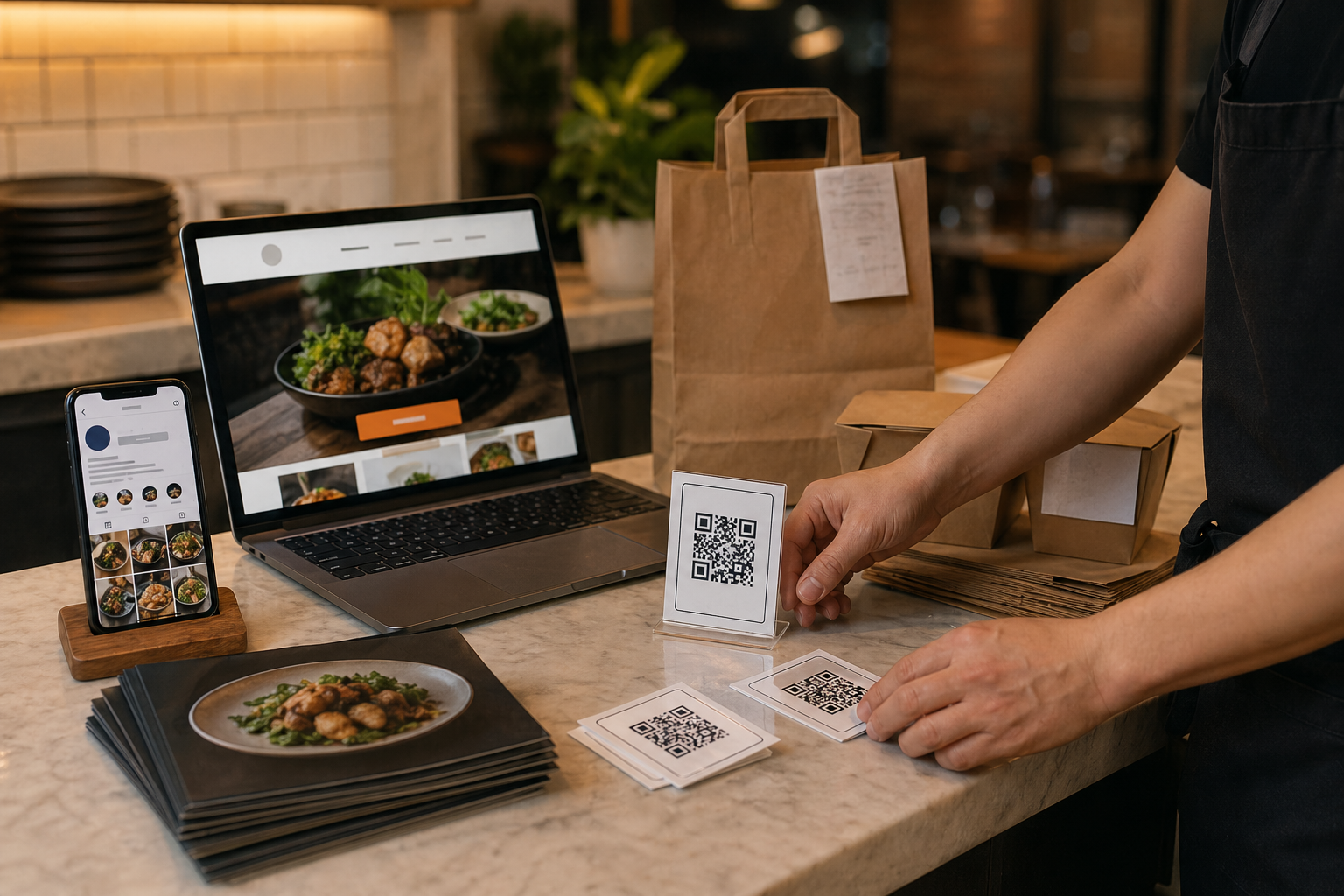
A direct ordering system touches the menu, staff habits, customer links, and service rules. These are the pieces worth understanding upfront.
We can help you turn your current menu, channels, and service rules into a direct online ordering workflow that fits your team.