Restaurant order management dashboard
Manage online orders from a clear web interface. Savorria gives staff a place to receive orders, review details, adjust menu settings, and keep pickup and delivery service organized.
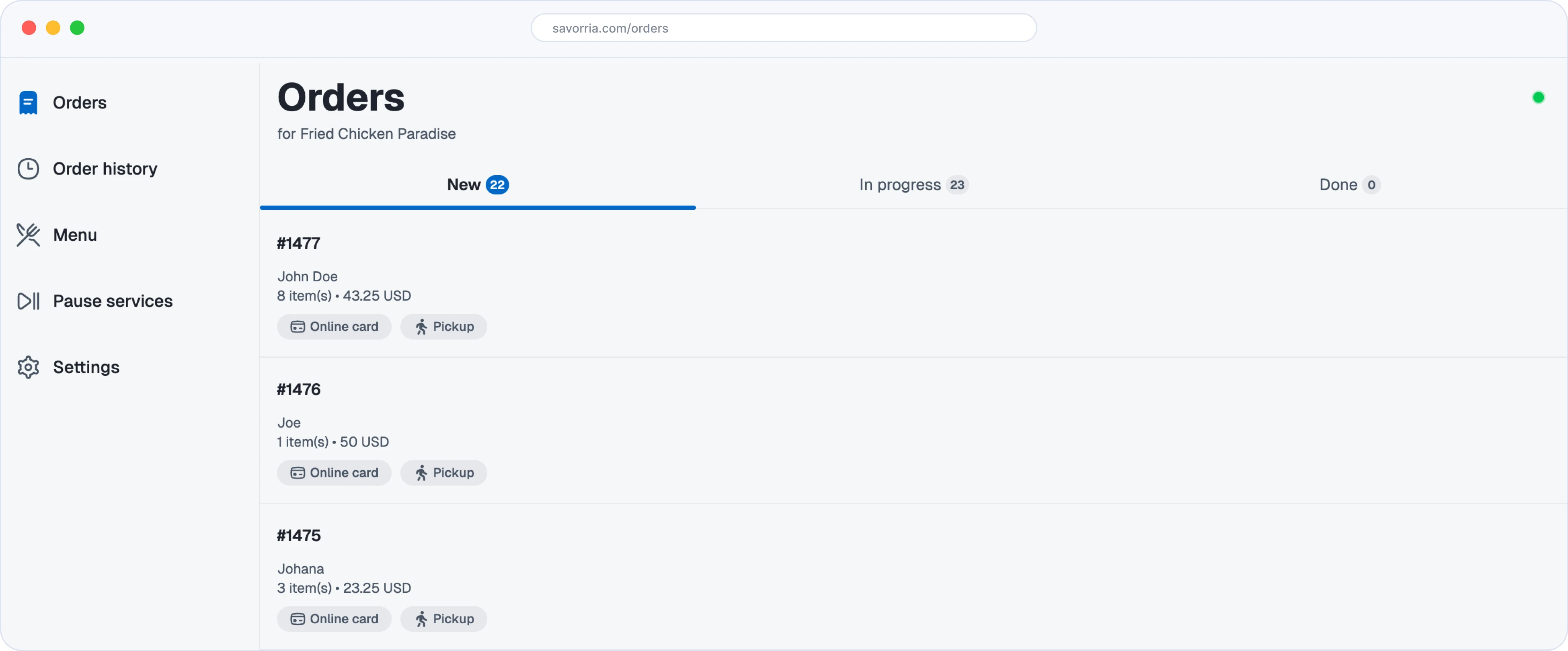
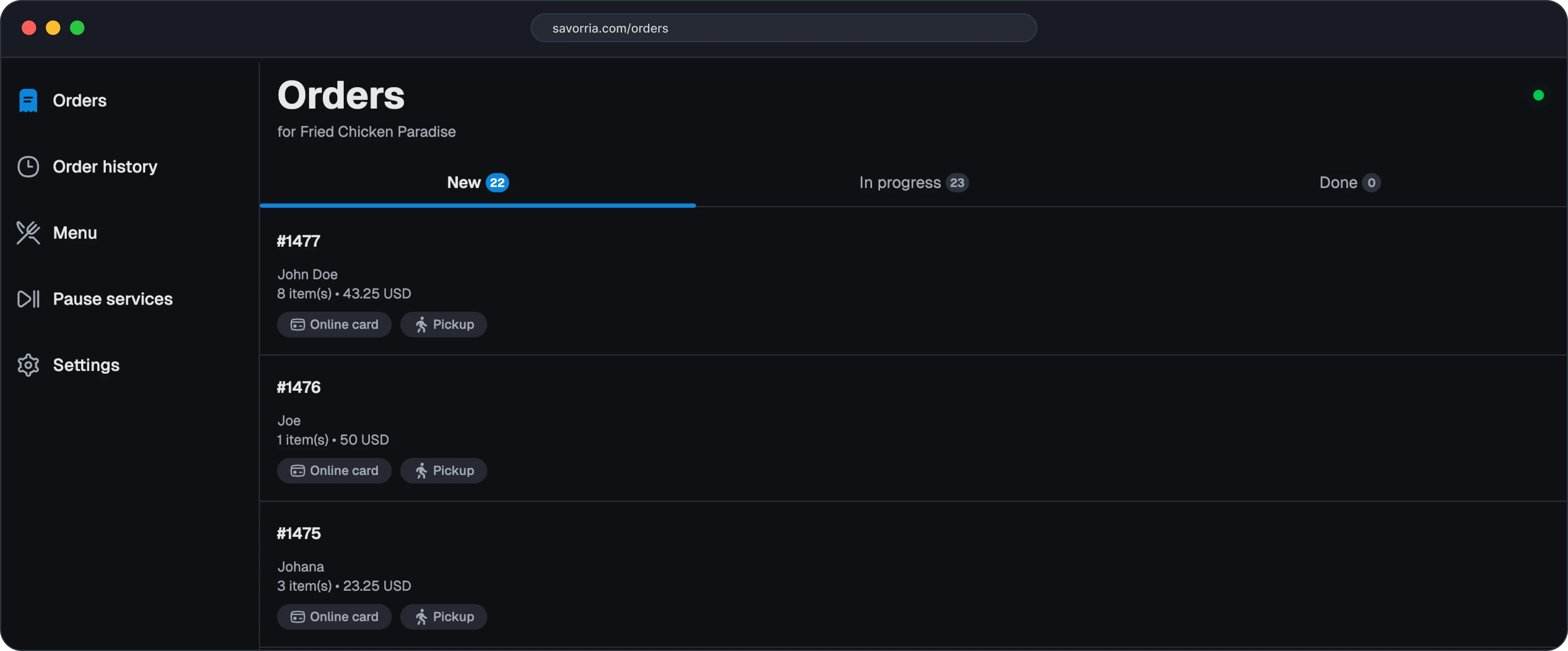
Online orders need one reliable place to land
When orders come from your website, social links, and branded page, staff need a simple place to see what is new, what needs attention, and what has changed in the menu or schedule.
Web-based order receiving
Use the dashboard from a browser on a computer, tablet, or phone.
Order details together
Review items, notes, customer information, pickup details, and delivery details.
Menu and service controls
Update menu items, hours, delivery areas, and service availability.
Works with mobile
Use the web dashboard for a larger view and the mobile app when staff are moving.
The web interface for daily restaurant order work
Savorria keeps the dashboard focused on the operational work restaurants need to do often.
Incoming order list
See new online orders and review the details before preparation.
Menu editor
Change categories, items, images, prices, descriptions, and availability.
Pickup and delivery settings
Control which services are active and how delivery should work.
Operating hours
Set normal hours and adjust for special days, holidays, or closures.
Team access
Use included dashboard users based on your pricing plan.
Order history
Look back at previous online orders when you need context.
Manage online orders from the browser
Manage online orders from the browser
Set up the restaurant
Add location details, menu items, services, and operating rules.
Publish order channels
Link customers from your website, Facebook page, or branded order URL.
Review orders in the dashboard
Staff can use the web interface to see and manage incoming orders.
Adjust operations as needed
Update menu availability, pause service, or change hours when the shift changes.
Dashboard questions
The dashboard is the main web interface for restaurant staff and managers.
Ask about the dashboardSee the restaurant dashboard in action
Book a demo and we will walk through receiving orders, editing the menu, and managing services.