Online ordering system for restaurants
Savorria helps restaurants take direct orders without sending customers to a marketplace. Add ordering to your website, share a branded link, and manage pickup and delivery from one dashboard.
Third-party apps are useful, but they are expensive
Marketplaces can bring orders, but they also take control of the customer relationship. Restaurants often end up paying fees, managing several tablets, and sending loyal guests to a place where competitors are one tap away.
Take orders on your own channels
Customers can order from your website, Facebook page, or a direct ordering link that carries your restaurant brand.
Support pickup and delivery
Set the services you offer, define delivery zones, manage pickup orders, and pause ordering when the kitchen is too busy.
Manage orders in one place
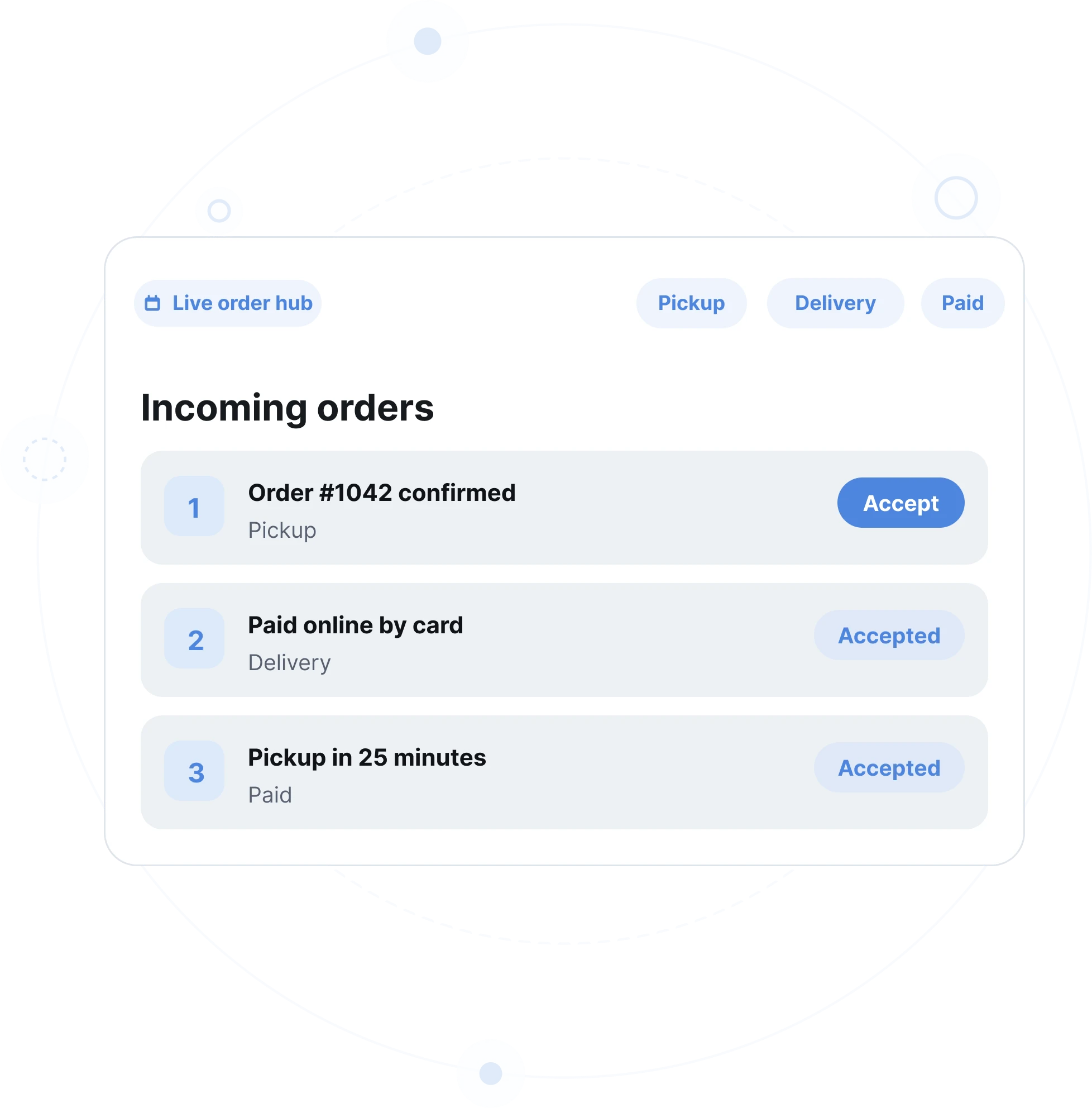
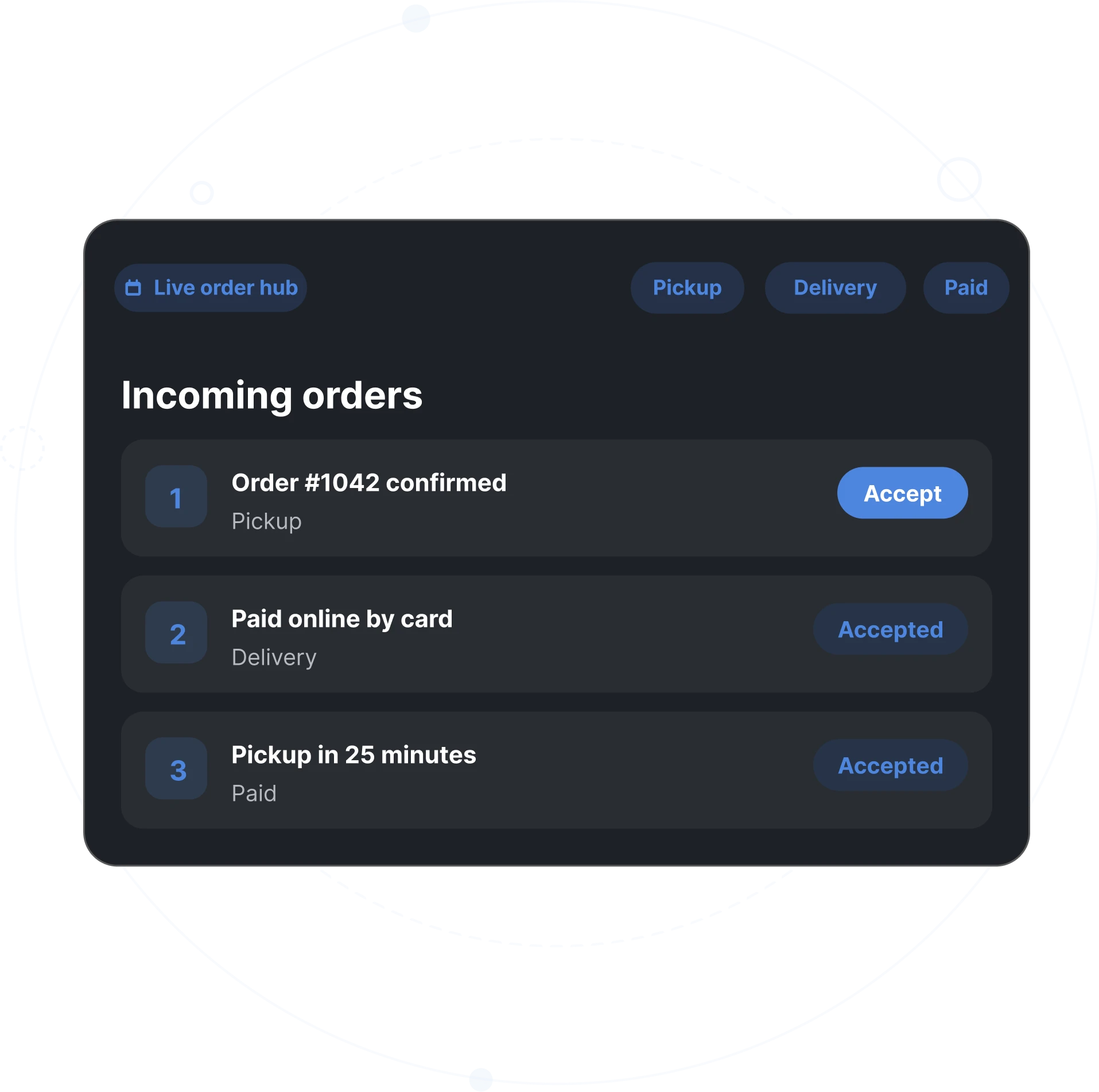
Incoming orders arrive in a single dashboard, so your team is not switching between disconnected tools.
Keep customer data close
Direct orders help you understand who is ordering from you, what they buy, and when they come back.
Everything a restaurant needs to start taking online orders
Savorria covers the practical parts of online ordering: menu setup, order flow, payments, delivery options, and the small controls restaurants need during a busy shift.
Website order widget
Add an order button to your current restaurant website and start sending guests to your own ordering page.
Menu editor
Build your menu, add images, manage categories, hide sold-out items, and update prices without calling a developer.
Branded order page
Use your colors and a custom subdomain so the ordering experience still feels like your restaurant.
Online payments
Let guests pay online when that makes sense for your operation.
Pickup and delivery rules
Set delivery zones, order limits, service availability, and operating hours.
Reports and order history
Track order volume and see what customers buy most often.
A simple setup for busy restaurants
A simple setup for busy restaurants
Create your restaurant profile
Add your location, contact details, currency, and the services you want to offer.
Build your menu
Add items, categories, prices, photos, modifiers, and availability.
Connect ordering channels
Place the order button on your website and share your ordering link on social media.
Accept orders
Your team receives orders in real time and can confirm them from a phone, tablet, or computer.
What restaurants usually ask first
Most restaurants want to know whether setup is difficult, whether they need a new website, and how quickly they can start receiving orders.
Ask us anythingWant to see how online ordering would look for your restaurant?
Book a short demo and we will walk through the setup, ordering flow, and pricing.