Restaurant ordering mobile app
Receive and manage incoming orders from the Savorria mobile app. It gives restaurant teams a practical way to stay close to new orders when they are not sitting at the main computer.
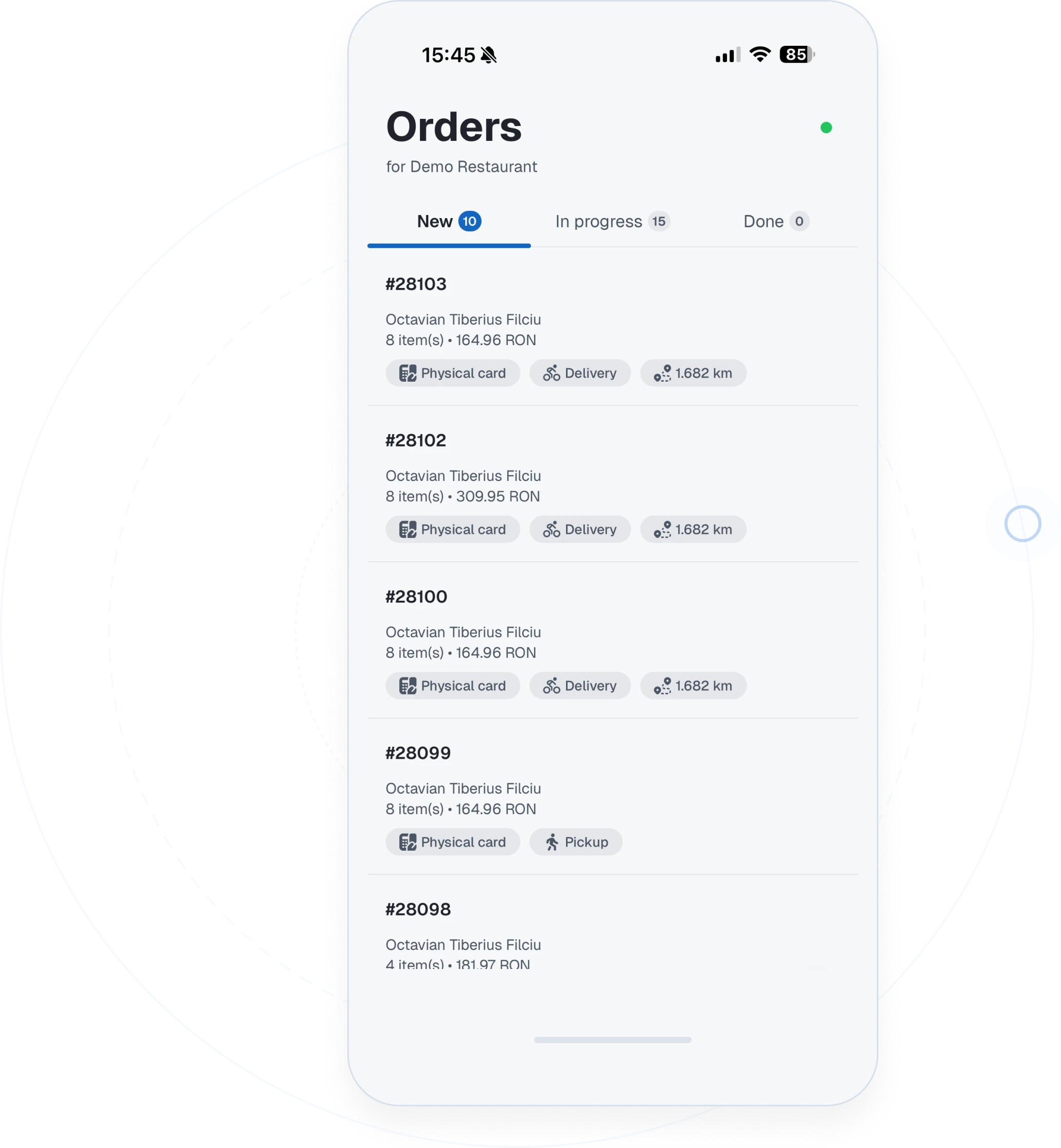
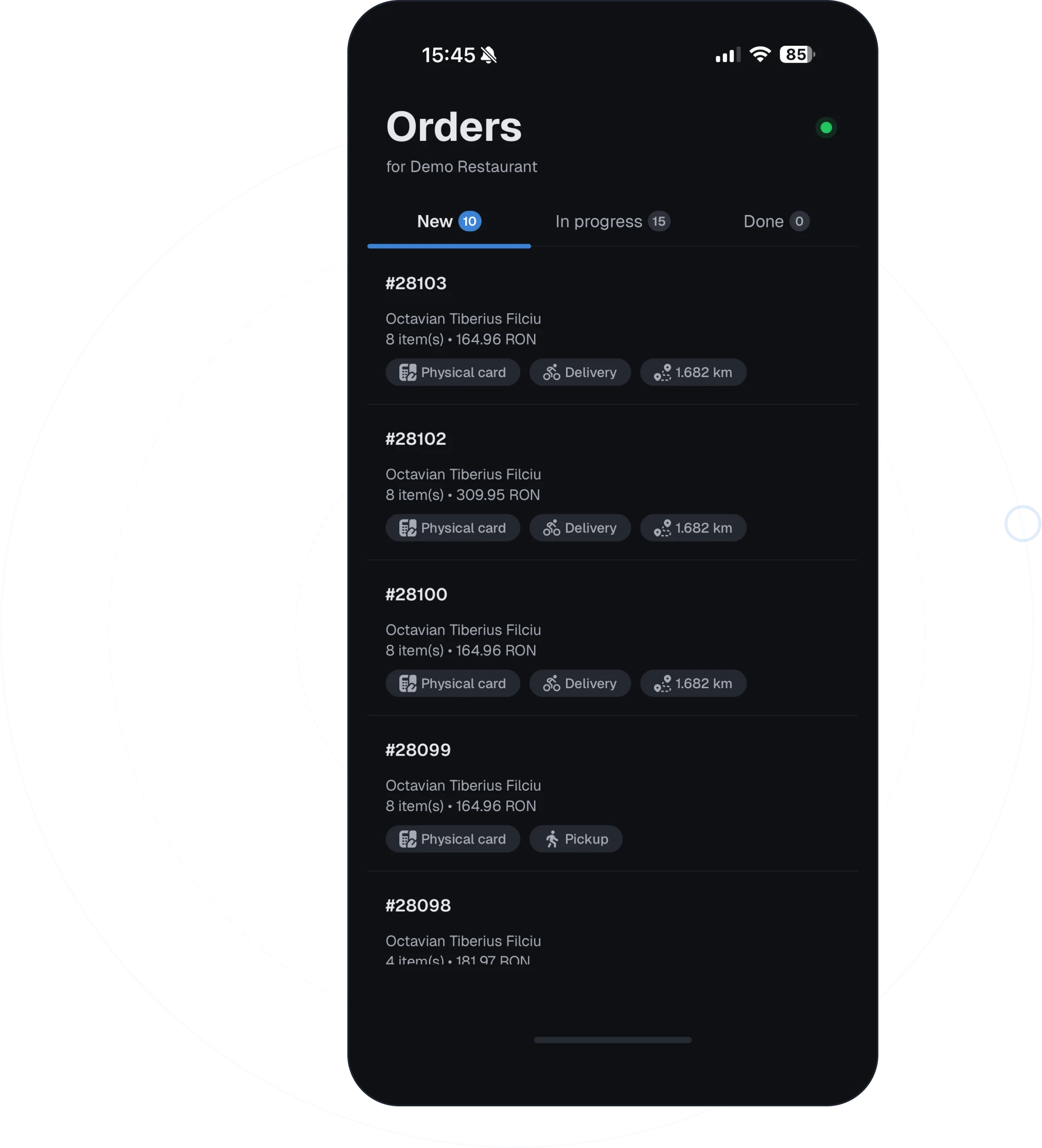
Orders should reach the team wherever work is happening
A restaurant shift rarely happens in front of one screen. Staff move between the counter, kitchen, packing station, and dining room. Mobile order receiving helps the team keep an eye on online orders while service keeps moving.
Live mobile order receiving
Use the Savorria mobile app to receive and manage incoming restaurant orders.
Useful for small teams
Staff can monitor orders without staying tied to a desktop.
Clear order details
See customer details, items, notes, and whether the order is for pickup or delivery.
Works with the dashboard
The mobile app complements the web dashboard instead of replacing it.
A mobile app for the restaurant side of online ordering
Savorria gives staff a way to handle orders from a phone when that is more practical than returning to a computer.
Receive orders without being stuck at one desk
Receive orders without being stuck at one desk
Publish your ordering page
Customers place orders from your website, social profile, or direct link.
The order appears in Savorria
Incoming order details are available to your restaurant team.
Staff use the mobile app
The team can manage orders from the mobile app while moving around the restaurant.
Use the dashboard when needed
For deeper setup and review, staff can still use the web interface.
Mobile app questions
The mobile app is for the restaurant team receiving and managing orders.
Ask about the appWant to see mobile order receiving?
Book a demo and we will show how Savorria works from mobile and web.