Restaurant online ordering system
Give guests a clear way to order directly from your restaurant. Savorria keeps the order flow simple for customers and manageable for your team.
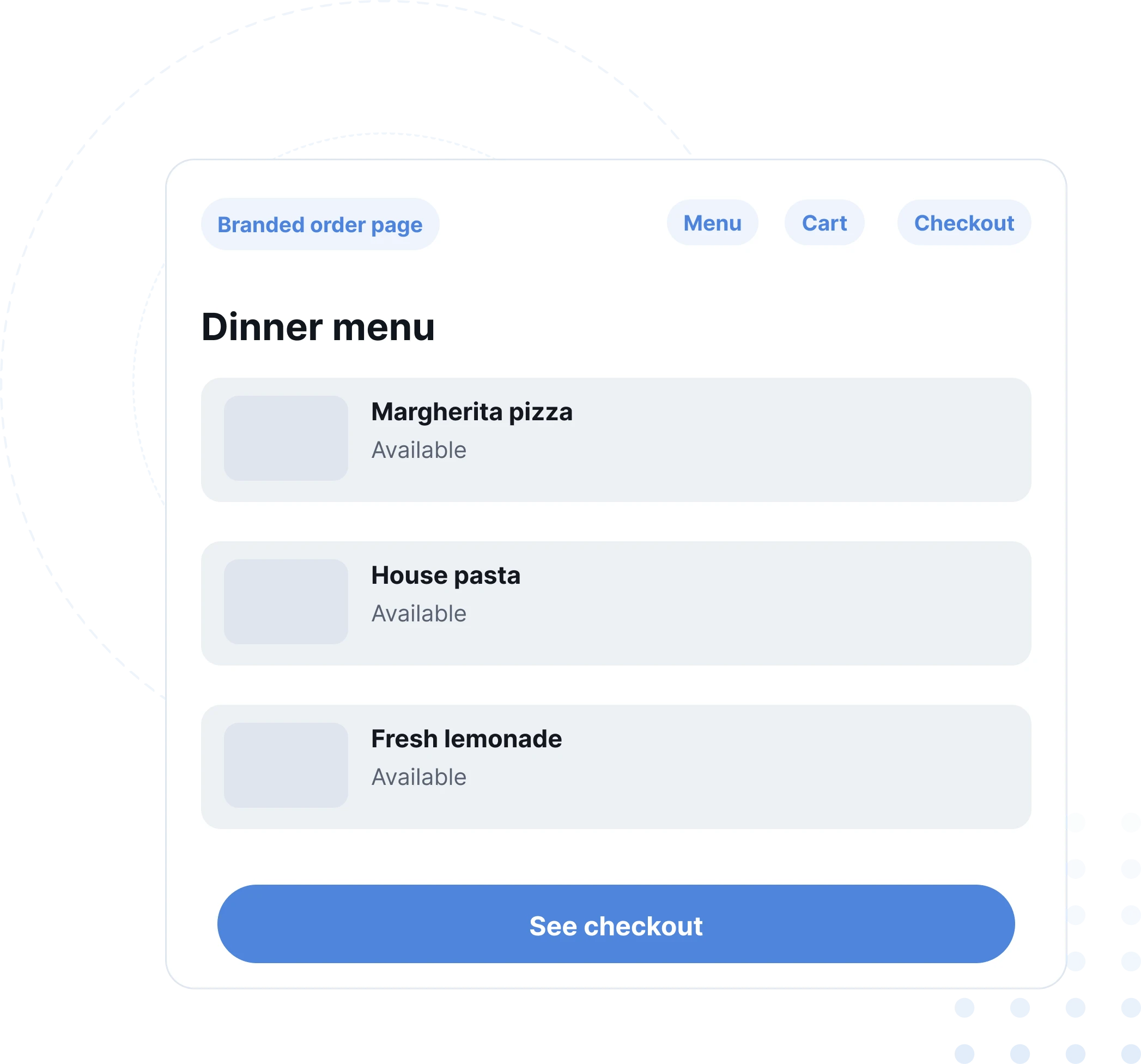
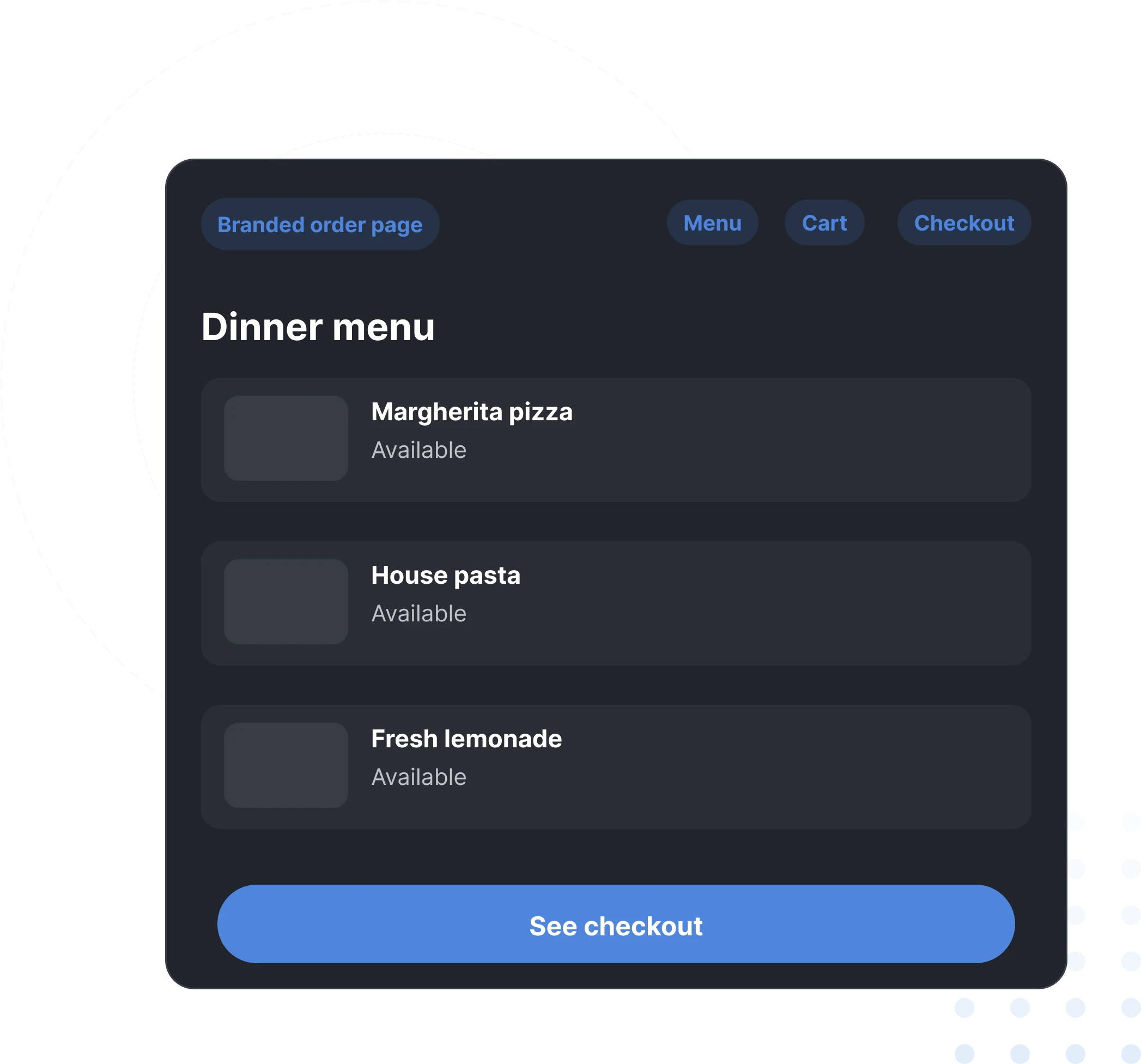
Online orders should not create more work for the staff
A good restaurant ordering system has to fit the way service already works. It should reduce phone calls, prevent missed orders, and make menu updates easy before a busy lunch or dinner shift.
Fewer phone interruptions
Guests can place orders online, leaving staff free to handle the people already in the restaurant.
Clear order details
Pickup time, delivery information, menu items, and customer notes arrive together.
Menu control
Change prices, hide items, and update categories whenever your kitchen needs it.
Works on everyday devices
Your team can accept orders from a browser on a phone, tablet, or computer.
The pieces that keep online ordering practical
Savorria focuses on the parts restaurants use every day: orders, menus, service hours, delivery areas, payments, and customer communication.
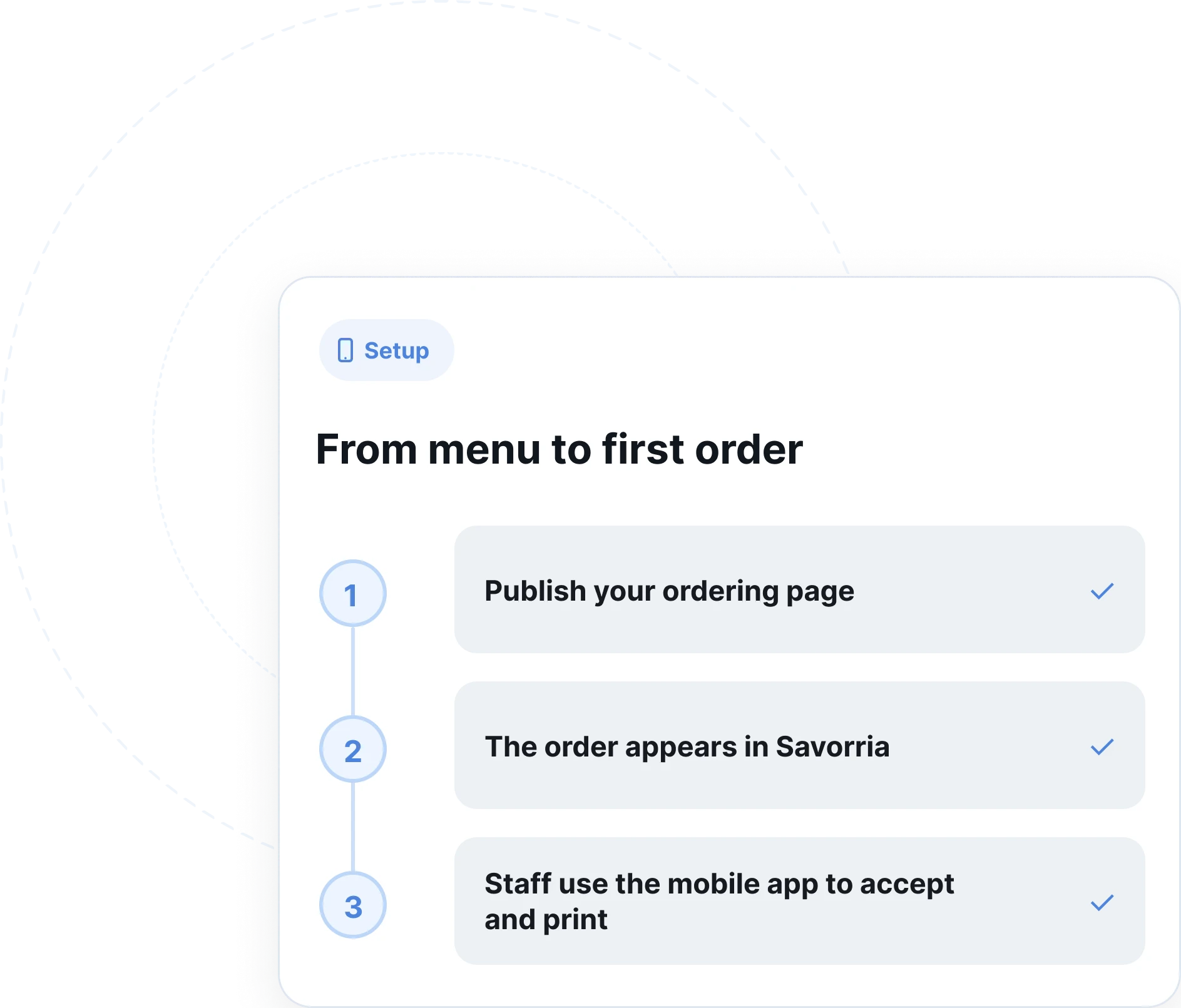
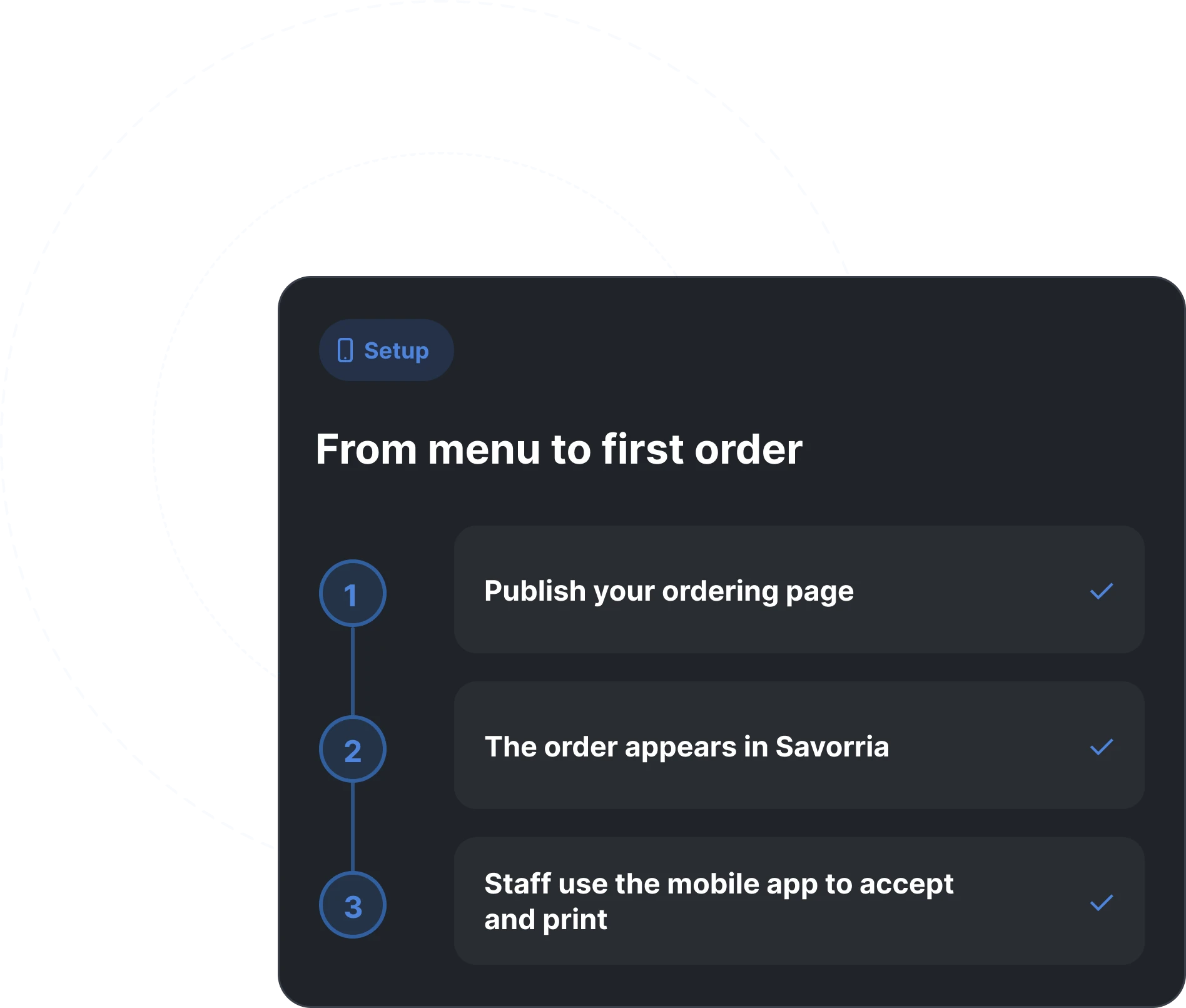
From menu to first order
Add the restaurant
Set the address, currency, contact details, and ordering rules.
Create the menu
Add your categories, dishes, modifiers, descriptions, and images.
Publish the order link
Add it to your website, Facebook page, Instagram bio, or Google profile.
Receive orders
Confirm orders from the dashboard and keep the kitchen moving.
Common questions about restaurant ordering systems
Here are the practical details restaurants usually ask about before switching on direct orders.
Talk to salesReady to take direct orders from your own channels?
We can show you what the system looks like for a restaurant like yours.